Cliquez sur la grande image ci-dessus pour zoomer
NameCard
EastmarkHK NameCard
# 37870
Description courte
NOUVEAU
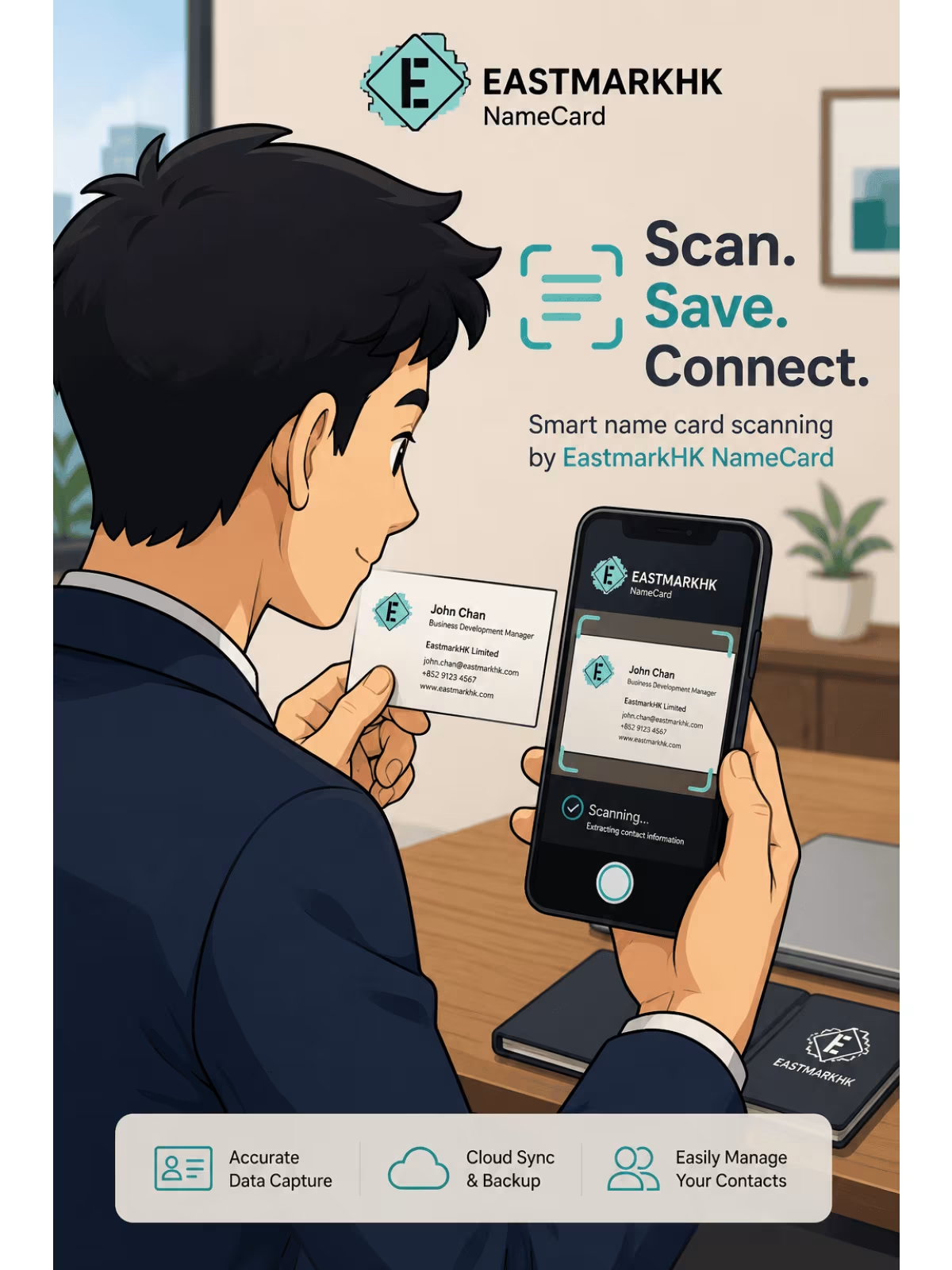
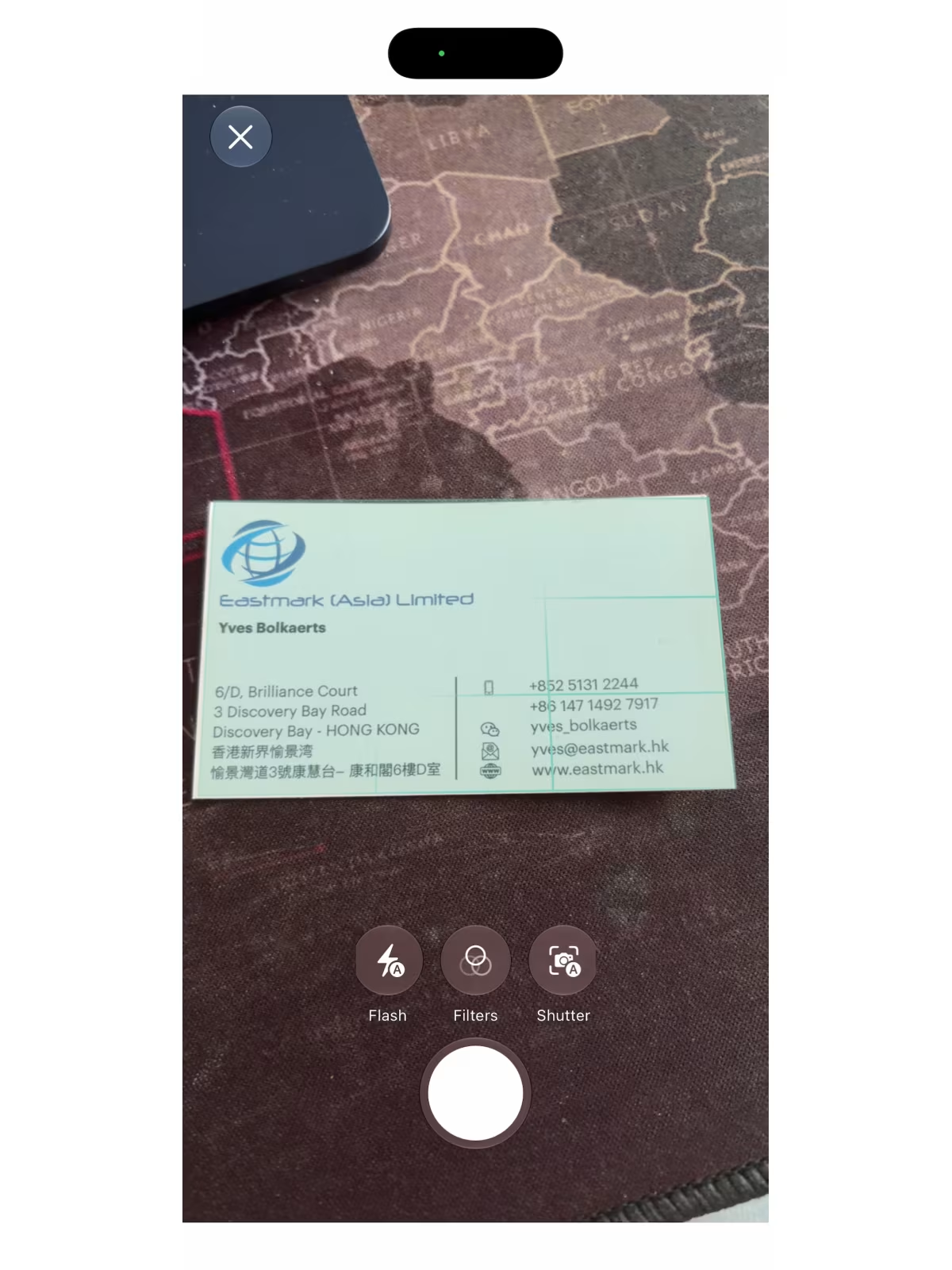
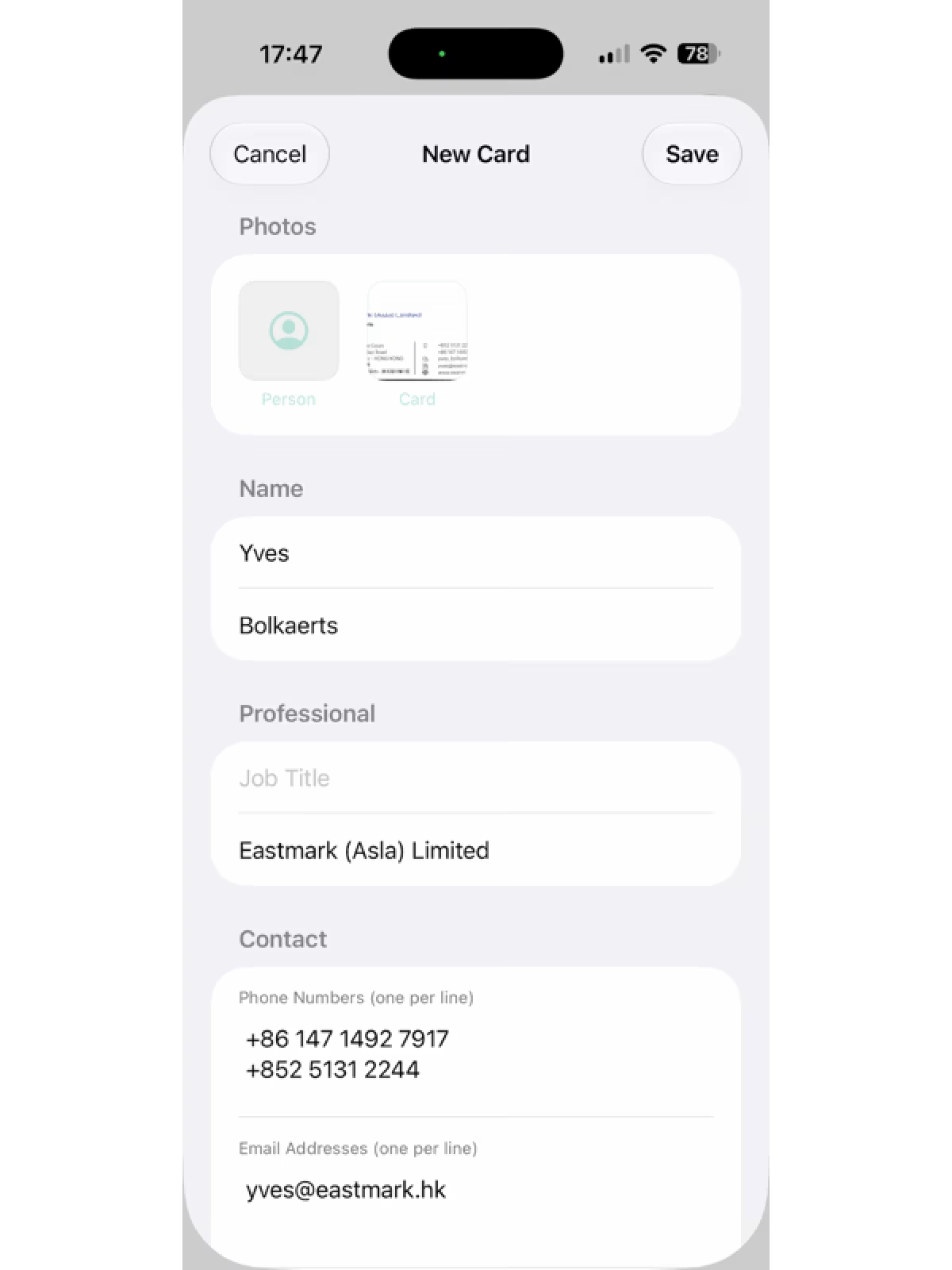
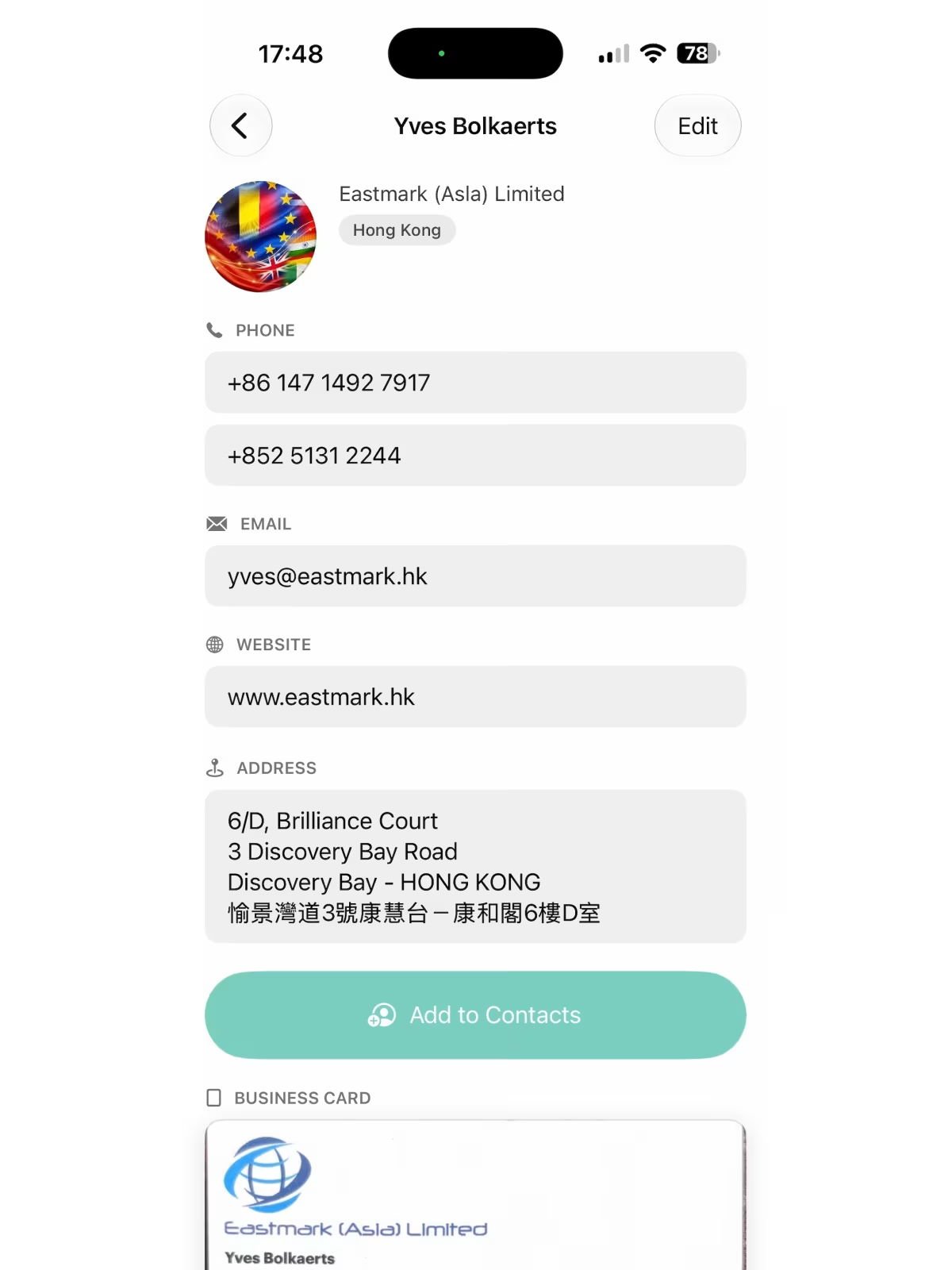
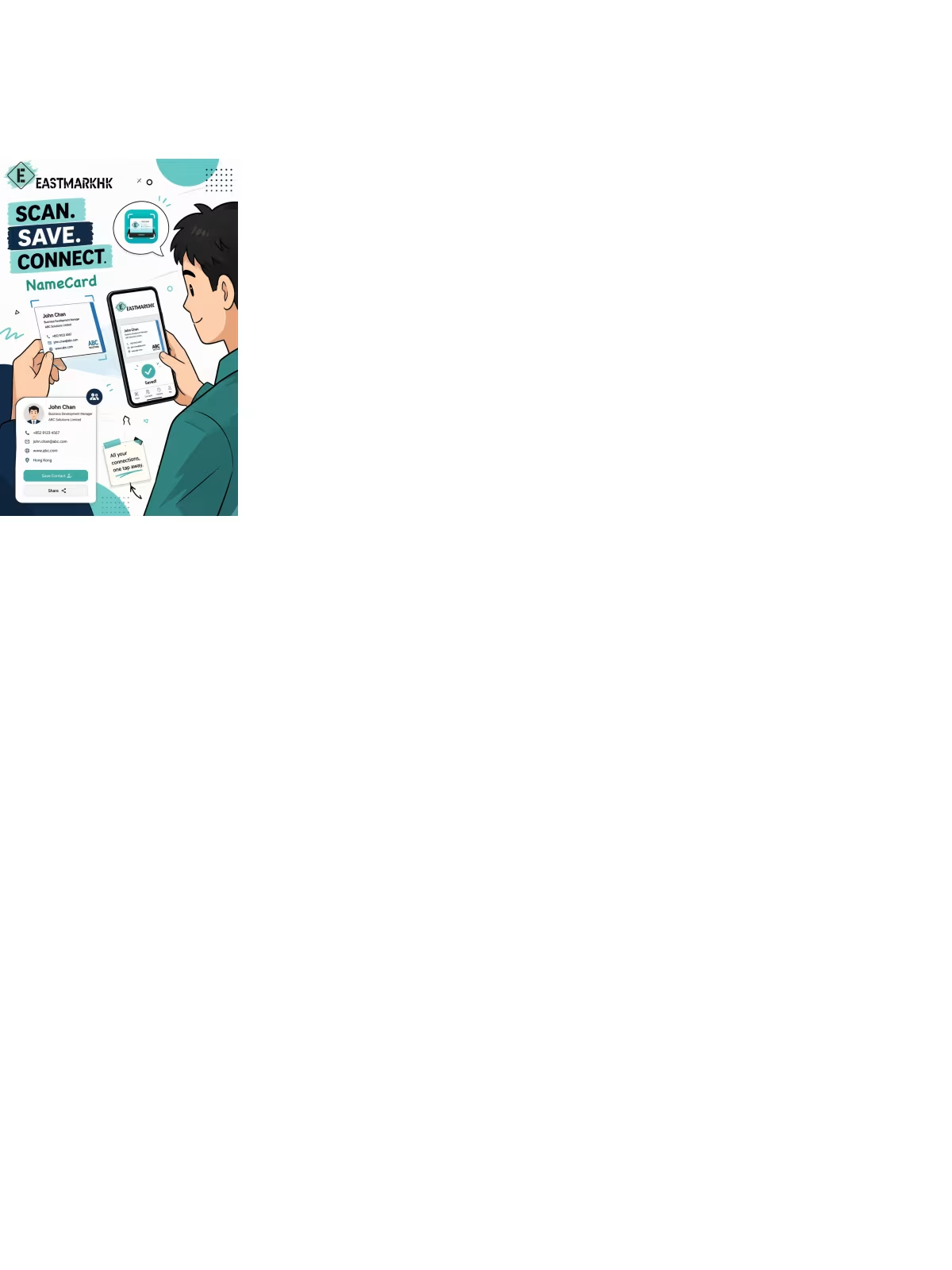
EastmarkHK NameCard — Scannez, organisez et partagez des cartes de visite en quelques secondes. OCR sur l'appareil dans toutes les langues, détection de codes QR et exportation en un clic vers vos contacts. Aucun compte, aucun cloud, confidentialité totale.
 iPhone / iPad
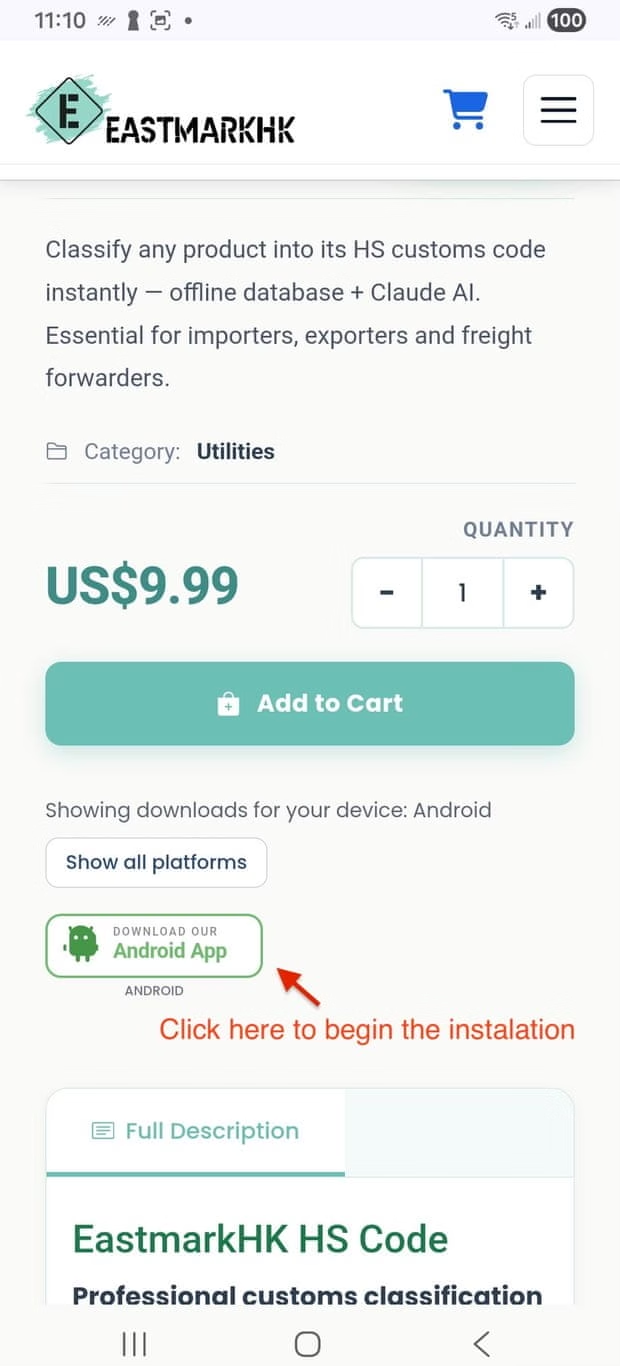
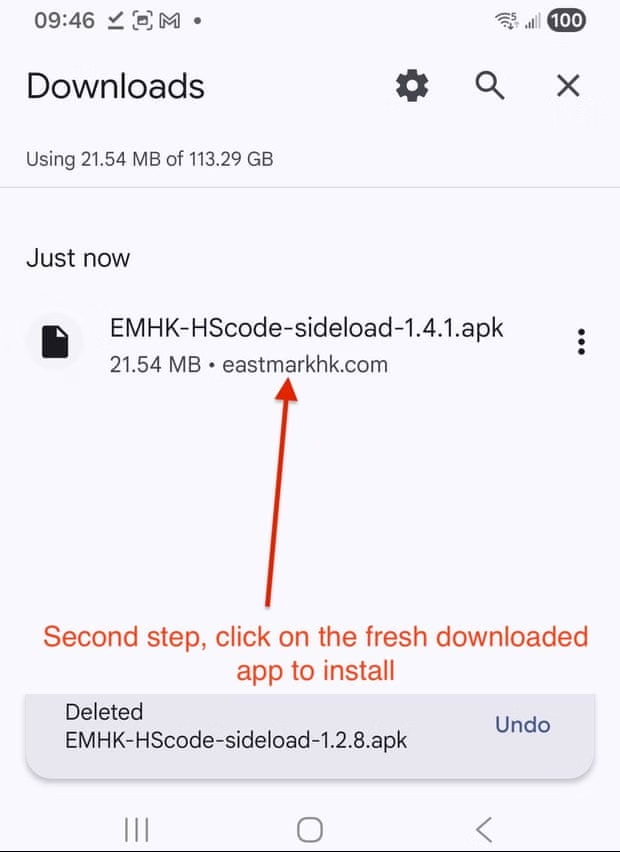
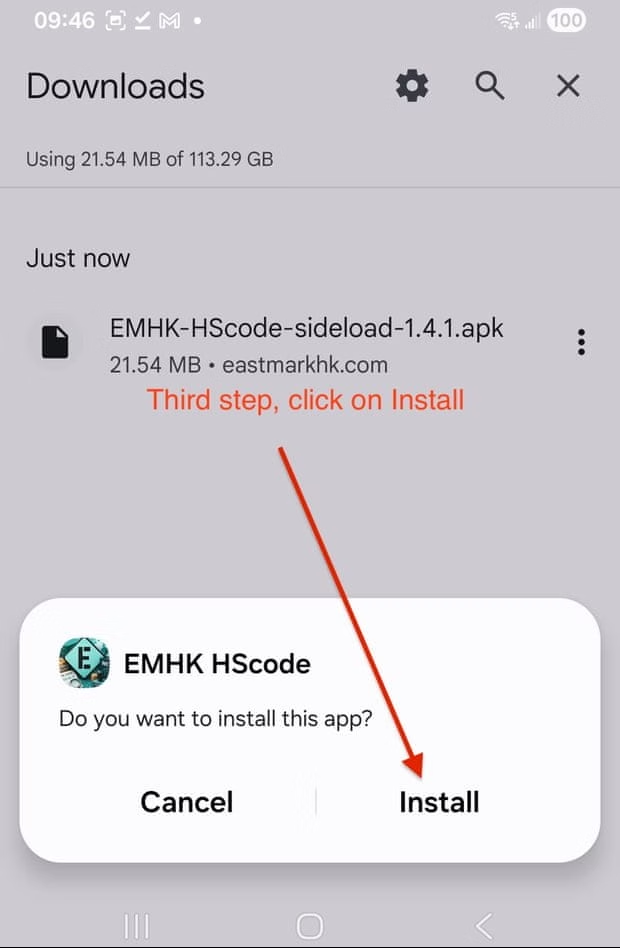
 Android